Patient or caregiver initiated
Self-Service Connect
- Account created first in VisitVizor
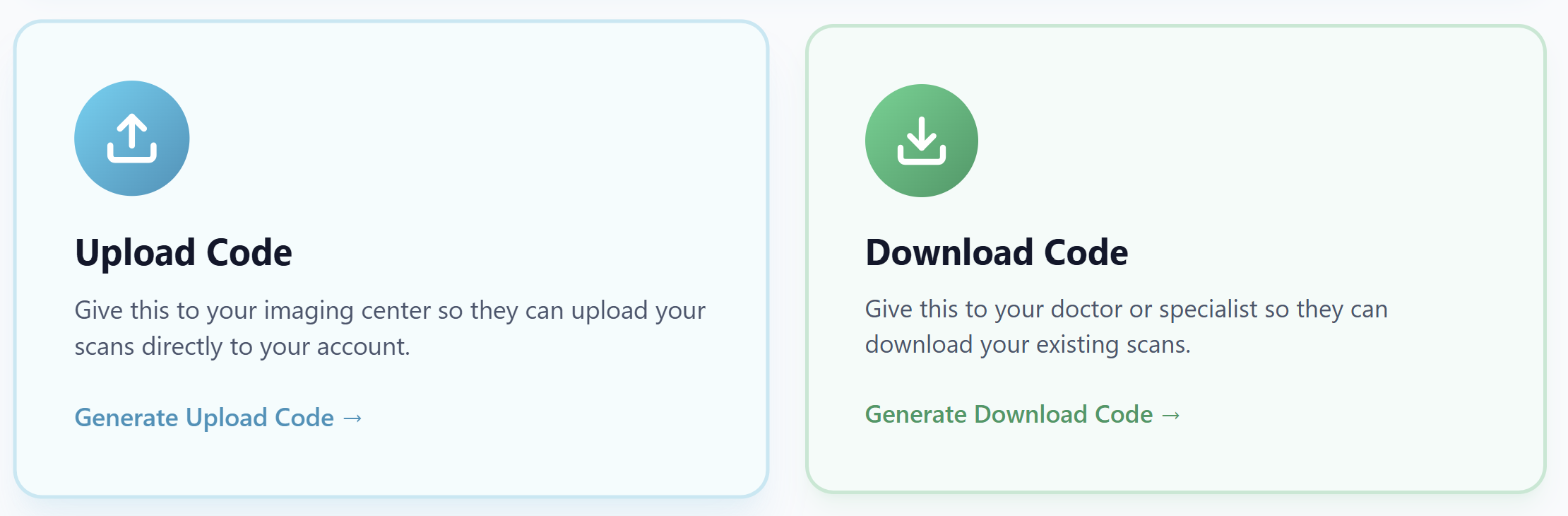
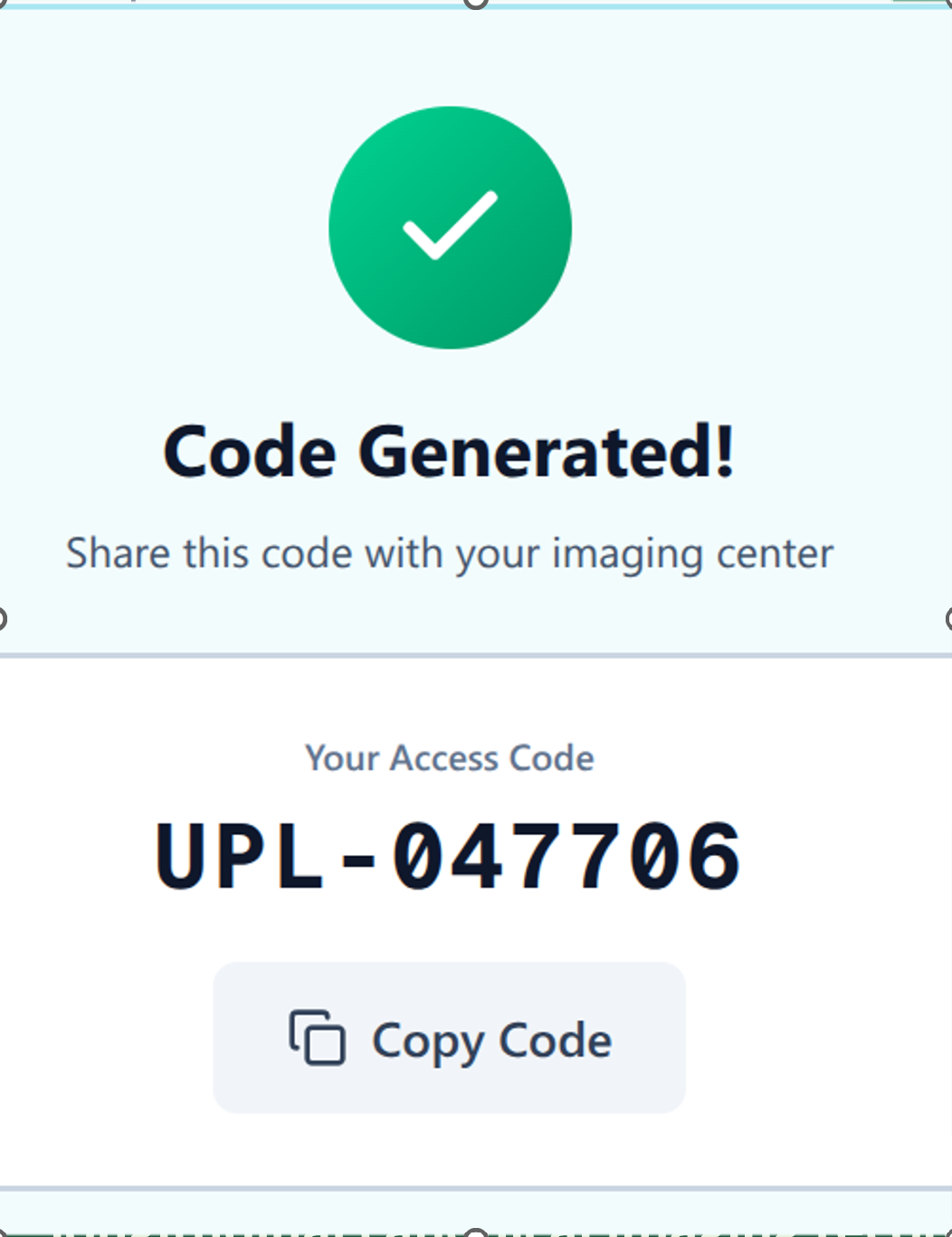
- Patient shares upload or download codes
- Best for one-off and immediate transfer needs
VisitVizor
Preparing your dashboard, records, and imaging tools.
VISITVIZOR CONNECT
VisitVizor Connect ispatient-owned imaging deliveryfor imaging centers, clinics, and patients.
Most imaging delivery workflows are built around office-to-office file transfers, not patient ownership.
What Patients Experience
"We sent it"
"We don't have it yet"
Patients calling both sides
No confirmation of receipt
No visibility into success
Showing up to visits empty-handed
The patient becomes the coordination layer between systems.
Lightweight codes support immediate needs, while licensed VisitVizor Connect supports imaging-center operations at scale.
Patient or caregiver initiated
Imaging-center operational layer
Both paths write to the same patient-held, longitudinal imaging record.
From this page, users start by creating a VisitVizor account. Then they generate and share upload or download codes when imaging needs to move.

CD/DVD Import
Users can point VisitVizor to any CD or DVD containing imaging. VisitVizor finds studies automatically, including multi-study discs, then uploads and imports them to the patient's account.
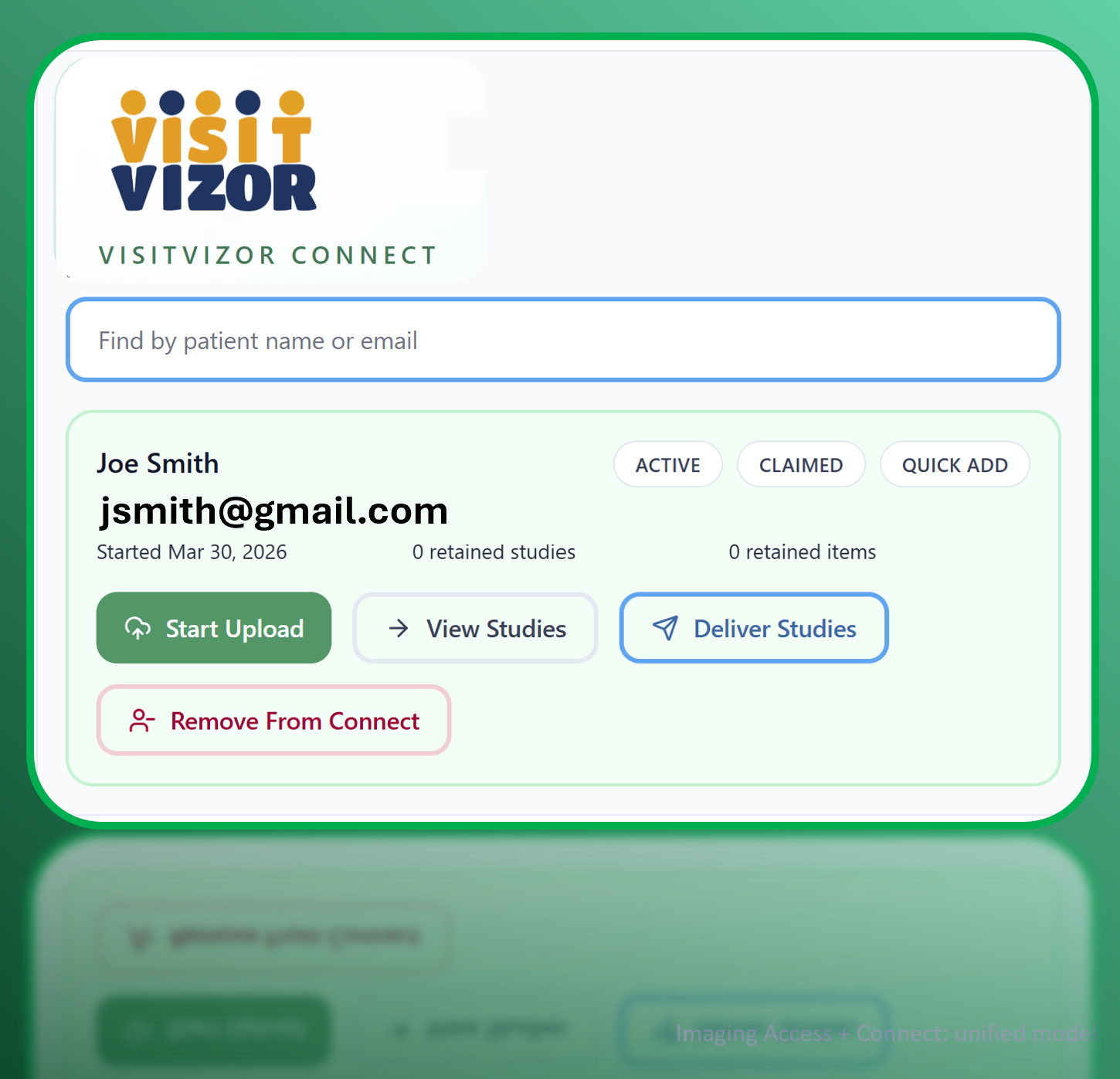
Clinics can start with one input: patient email. If the patient already has a VisitVizor account, imaging is uploaded there and the patient is notified. If not, the patient receives an email to create the account and access the new imaging.
Step 1
Enter the patient's email in VisitVizor Connect. If the account exists, use it; if not, VisitVizor sends an invite to create it.
Step 2
Upload the study once so it is attached to the patient, organized, and ready for future use.
Step 3
Authorized users can view the imaging directly in VisitVizor to confirm it is complete, accessible, and ready to use.
Step 4
Clinics, physicians, and patients can share or route access outward while the imaging remains in the patient record.
Both lightweight code transfer and licensed Connect attach imaging to the patient account:
Better experience for the patient, fewer problems for your team.
Confidence, continuity, and one patient-held imaging record.
VisitVizor Connect replaces fragmented handoffswith a patient-owned, visible, and repeatable delivery model.